Field notes · Look · Try · Compare
Adding a simple timeline to a photo collection
Give a small selection a path through time with recorded dates and brief observations.

Smiling Woman in Royal Blue Top · Photograph: Yenra
Captured: 2017:04:06 13:18:29
A few dates can give a viewer a useful path through a collection. They show when selected photographs were recorded and make a change of setting or subject easier to follow. Start with three pictures and a short observation beside each date.
This new editorial selection uses photographs from the Tekko 2017 archive. The dates come from their recorded capture metadata. They offer a starting point for organizing the pictures; the selection leaves space for other photographs and other ways of telling the story.
Begin with a recorded date
The first photograph was recorded on April 6, 2017. A close view brings together the face, blue headband, top and scarf against a soft background. A short timeline entry can describe those visible features and give the viewer a place to begin.
Try writing only what the photograph and its record support. “A close portrait with recurring blue” is enough to identify this entry. You can add more context when you have a reliable note, while keeping the visible observation useful on its own.
Before using dates in your own collection, check the recorded capture information. If a camera clock was wrong and you have evidence for a correction, keep a note explaining it. When a date is unknown, “Date not recorded” is a clear and useful label.
Let the next date mark a change
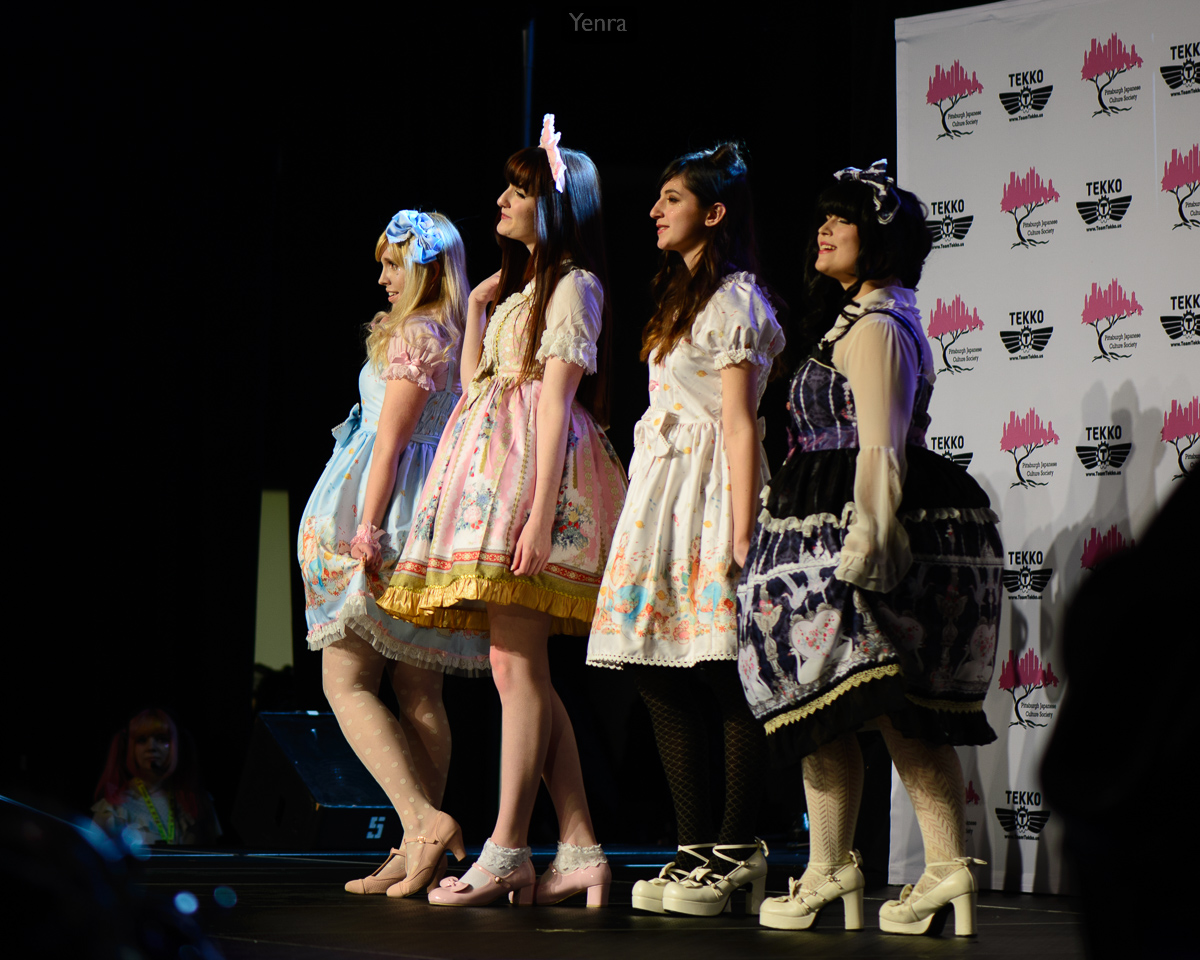
Tekko Convention Fashion Show · Photograph: Yenra
Captured: 2017:04:07 20:34:00
Recorded on April 7, this photograph brings four models together on a stage. The wider view, patterned dresses and backdrop give the selection a different setting from the close portrait.
The date supplies chronological context; the photograph supplies the visual change. A sentence can help someone notice that combination: “A stage photograph brings a group into the selection.” There is no need to invent a connection between the people in separate pictures.
When choosing your own entries, compare what each photograph adds. A new date may introduce a place, another scale of view or a different subject. If two entries contribute almost the same thing, you can keep both or save one as an alternative selection.
Leave room for the days between
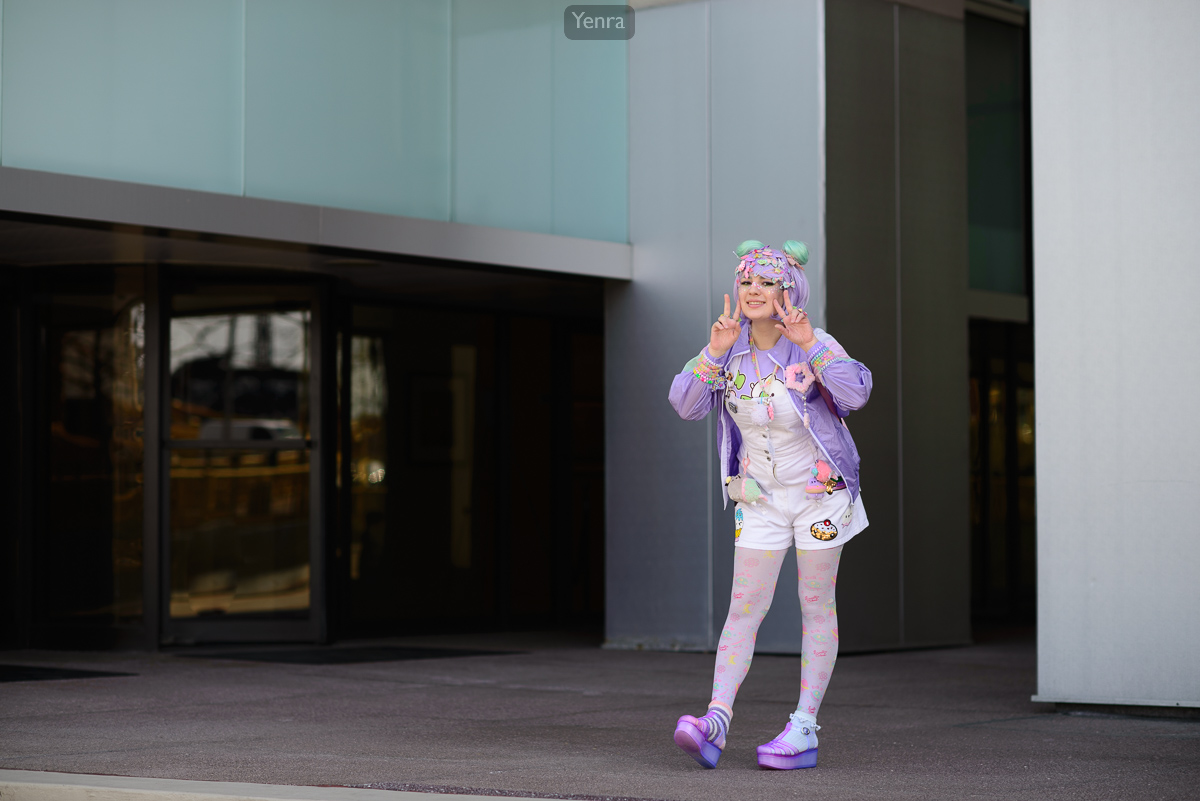
Uchuukei Pastel Decora JFashion · Photograph: Yenra · Credit: Mochi Sews
Captured: 2017:04:09 15:08:09
The third photograph, credited to Mochi Sews, was recorded on April 9. A wider outdoor portrait includes the building entrance and space around the model. It supplies a later point in this small selection.
April 8 is unrepresented here. Naming that gap helps a viewer understand what they are seeing: three selected moments from a larger archive. The dates do not mark the beginning or end of all the coverage, and the selection is not a complete event schedule.
Use a timeline when the passage of time helps someone follow your pictures. For another collection, you may prefer an order based on color, subject or visual echoes. You can keep a chronological version alongside an alternative and compare what each makes easier to notice.
A paper note is enough to begin. Write three dates, one observation per photograph and any gap or uncertainty worth remembering. Read the notes beside the pictures, then keep the wording that helps you return to them with curiosity.
Look back with curiosity.
- What change becomes easier to follow with dates?
- What does the selection leave between its entries?
- Would a different order serve another purpose?
Keep exploring
Connecting photographs from different days · Trying two orders for a photo sequence
Browse the complete Tekko 2017 gallery.